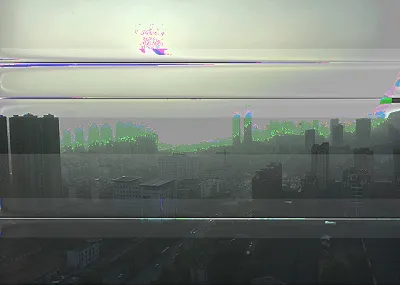
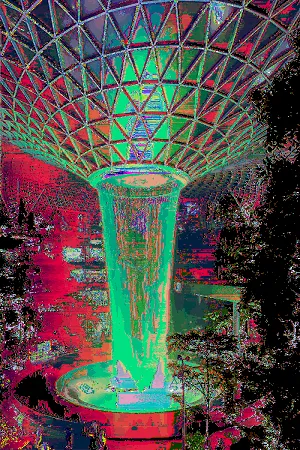
Fuck Up Your Images With Databending
I use a lot of public domain art, but recently I've been thinking about cyberpunk, so art from the 1700's doesn't feel quite appropriate.
Modern images aren't quite right either, skylines and streetwear are great, but we need some cyberpunk edge. I want something that has a techy touch and looks not quite right. Something glitchy!
So I thought about glitch art, something I haven't done since college!
Glitch art is basically about doing stuff with files that you aren't meant to, to create interesting visual effects. There's lots of ways to do it, but I've been messing around with Databending.
Databending
Databending is done by loading an image into a software it isn't meant to go in, and then editing it in that software. In my case, I loaded images into audacity, added audio effects, and then exported them as images, here's what one looked like before and after.

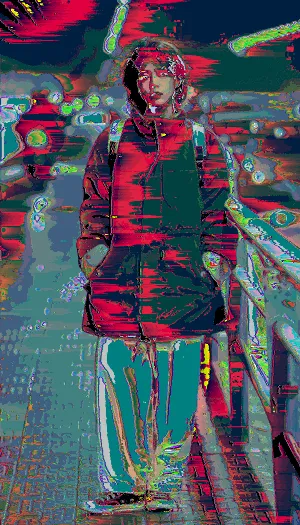
How to databend with audacity
- Save your image as a .bmp (there are other files that work, but this is what I did)
- in audacity file -> import -> raw data
- pick your image, set encoding to U-law or A-law and byte order to little-endian (other options might work too, but i had success with this)
- apply effects to your audio! Some good ones are amplify, bass, treble, echo, and phaser. Apply one effect at a time in case you corrupt your image
- Leave the very beginning of the audio unedited, these are the image headers, and you may corrupt the image if you change those.
- File -> export audio, set your encoding to match the encoding you used during the import, set format to "other uncompressed files" hit export.
- the image should save as a .raw. Image editing software can open this and you should see your image, but like, kinda fucked up and crazy. If you like the effects, keep em, otherwise just hit undo in audacity and try again. Rinse and repeat until you are happy!